How to Create Question Papers in Minutes (Step-by-Step Guide) – QB365
Published Date: 2026-01-01
How to Create Question Papers in Minutes (Step-by-Step Guide) – QB365
Learn how to create professional question papers in minutes using QB365 with this step-by-step guide.
Introduction
Creating high-quality question papers has traditionally been a time-consuming task for teachers. From selecting questions and balancing difficulty levels to formatting and preparing answer keys, the process can take hours.
But with modern tools like a question paper generator, this entire workflow can be completed in minutes.
Why Use a Question Paper Generator?
Save 70–90% of time
Maintain exam standardization
Access ready-made question banks
Generate error-free papers
Follow blueprint patterns easily
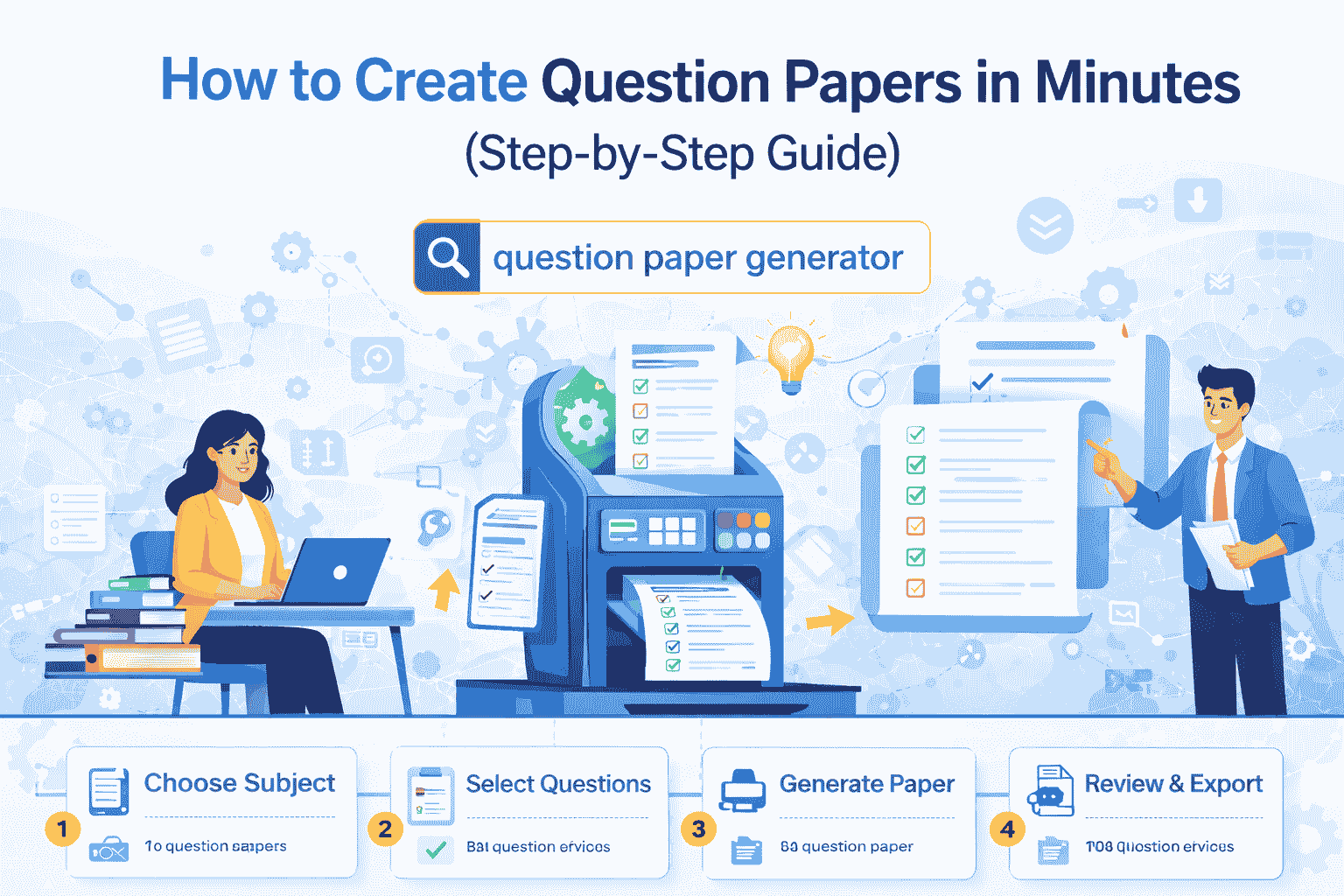
Step-by-Step Guide
Step 1: Select Class, Subject & Exam Type
Choose class (e.g., Class 10)
Select subject
Select exam type (Unit Test, Quarterly, Half-Yearly, Final)
Step 2: Choose Blueprint / Exam Pattern
A blueprint defines marks distribution, question types, and chapter-wise weightage.
Use pre-built CBSE/state board blueprints
Or create custom patterns
Step 3: Select Questions from Question Bank
Filter by chapter
Filter by difficulty level
Select manually or auto-generate
Step 4: Auto-Generate Question Paper
Click generate to automatically create a complete question paper with balanced difficulty and proper structure.
Step 5: Review & Edit
Check clarity
Replace questions if needed
Adjust formatting
Step 6: Generate Answer Key
Automatically generate answer keys and marking schemes.
Step 7: Export & Print
Export to Word/PDF
Add school branding
Print or share digitally
Pro Tips
Use saved blueprints
Create subject-wise templates
Mix difficulty levels
Use previous year questions
Manual vs Generator
Manual: Time-consuming and inconsistent
QB365: Fast, accurate, and standardized
Who Should Use QB365?
Schools
Teachers
Coaching centers
Academic coordinators
Conclusion
Creating question papers no longer needs to be stressful. With QB365, teachers can save time, improve exam quality, and standardize assessments effectively.
 Blog
Blog