How to Create Question Papers Automatically – Step by Step Guide
- Generate question papers instantly
- Follow blueprint-based structure
- Smart question selection for balanced exams
- Editable output for customization
- Automatic answer key generation
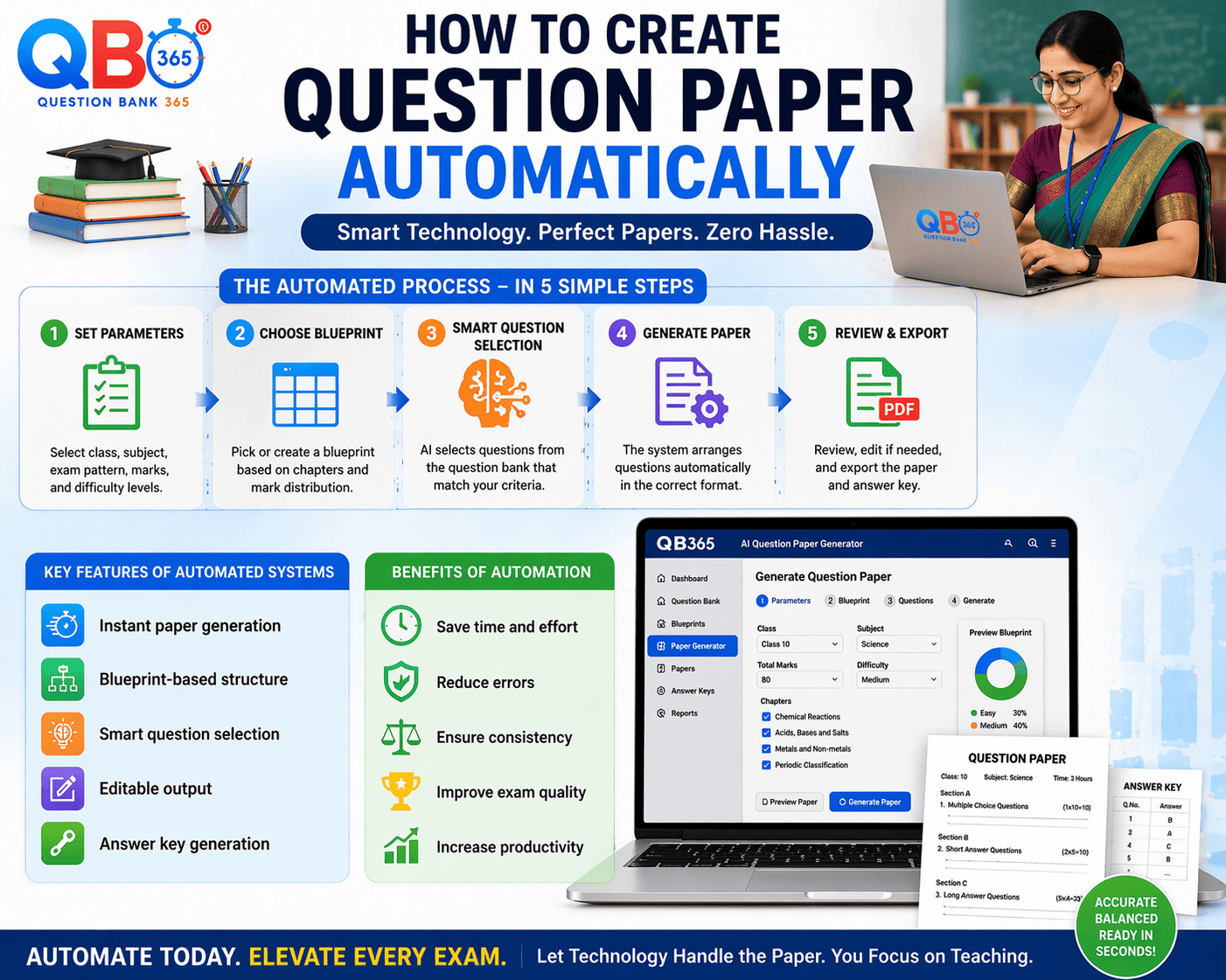
- Creating question papers manually is a time-consuming process that requires careful planning and effort. Teachers need to ensure syllabus coverage, maintain difficulty levels, and follow exam patterns.
- With modern tools like QB365, this process can be automated, saving time and improving efficiency. Automated systems help generate structured question papers instantly.
- This guide explains how teachers and schools can create question papers automatically using a simple step-by-step process.
Step-by-Step Process to Create Question Papers
Step 1: Select Subject and Class
Choose the subject and class for which you want to create the question paper.
Step 2: Choose Chapters or Units
Select relevant chapters to ensure syllabus coverage.
Step 3: Set Blueprint and Marks
Define marks distribution and exam pattern.
Step 4: Select Difficulty Level
Choose easy, medium, or hard questions.
Step 5: Generate Question Paper
Click generate to create the paper instantly.
Key Features for Schools
Instant paper generation
Blueprint-based structure
Smart question selection
Editable output
Answer key generation
Benefits for Schools & Teachers
- ✔ Save time and effort
- ✔ Reduce errors
- ✔ Ensure consistency
- ✔ Improve exam quality
- ✔ Increase productivity
Why Use QB365
QB365 simplifies the entire process and ensures that every question paper is accurate, balanced, and aligned with the syllabus.
Some of Our Schools, Academics, Tuitions and Coaching Center Customers
Our school and institution community